 Yogo Organizer
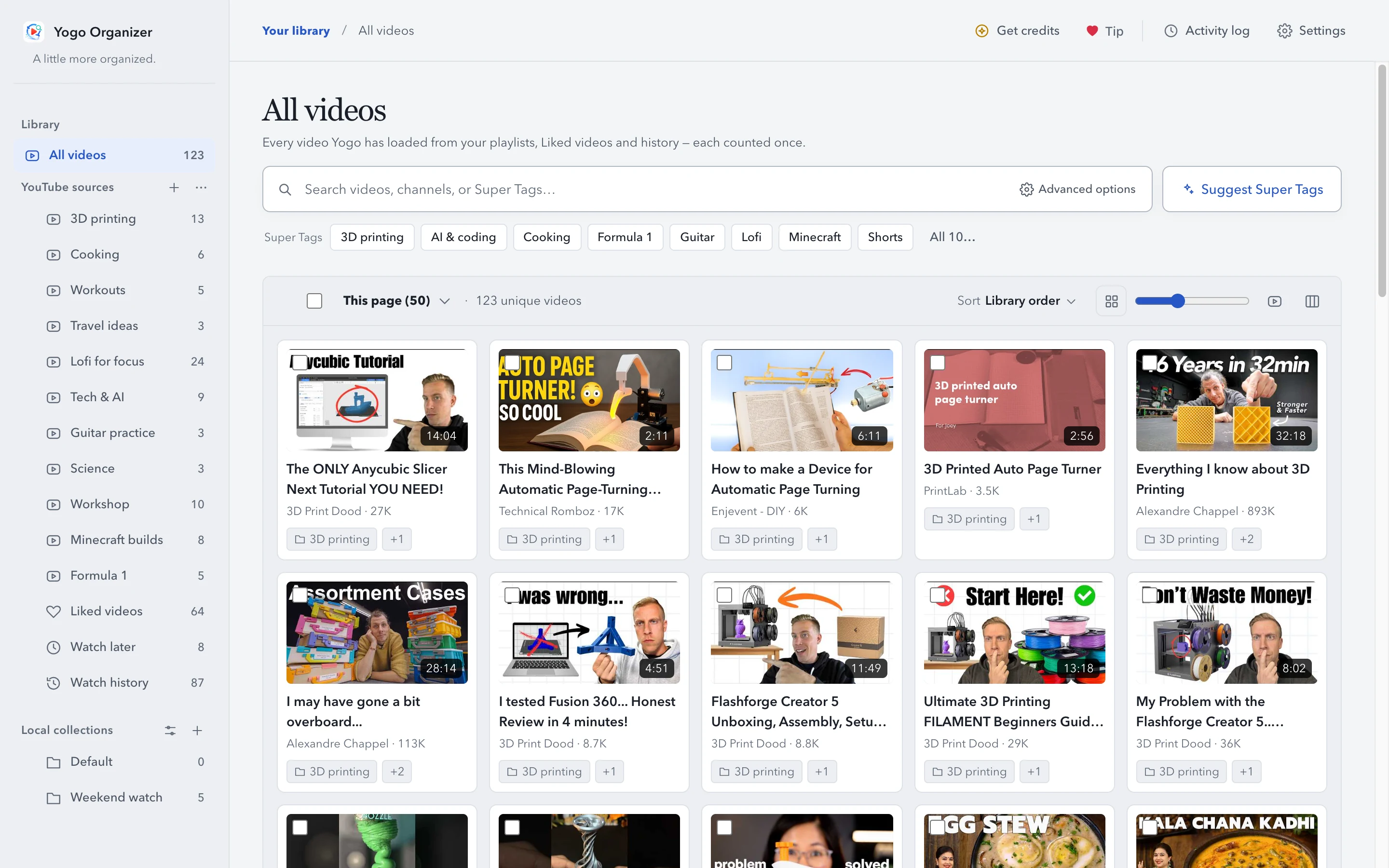
All your YouTube videos, in one library
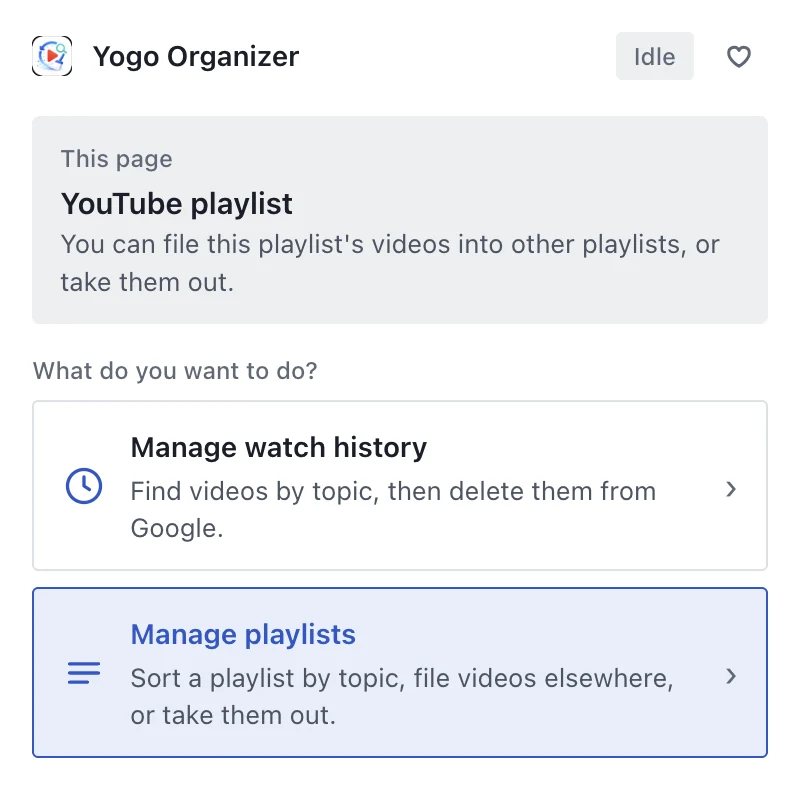
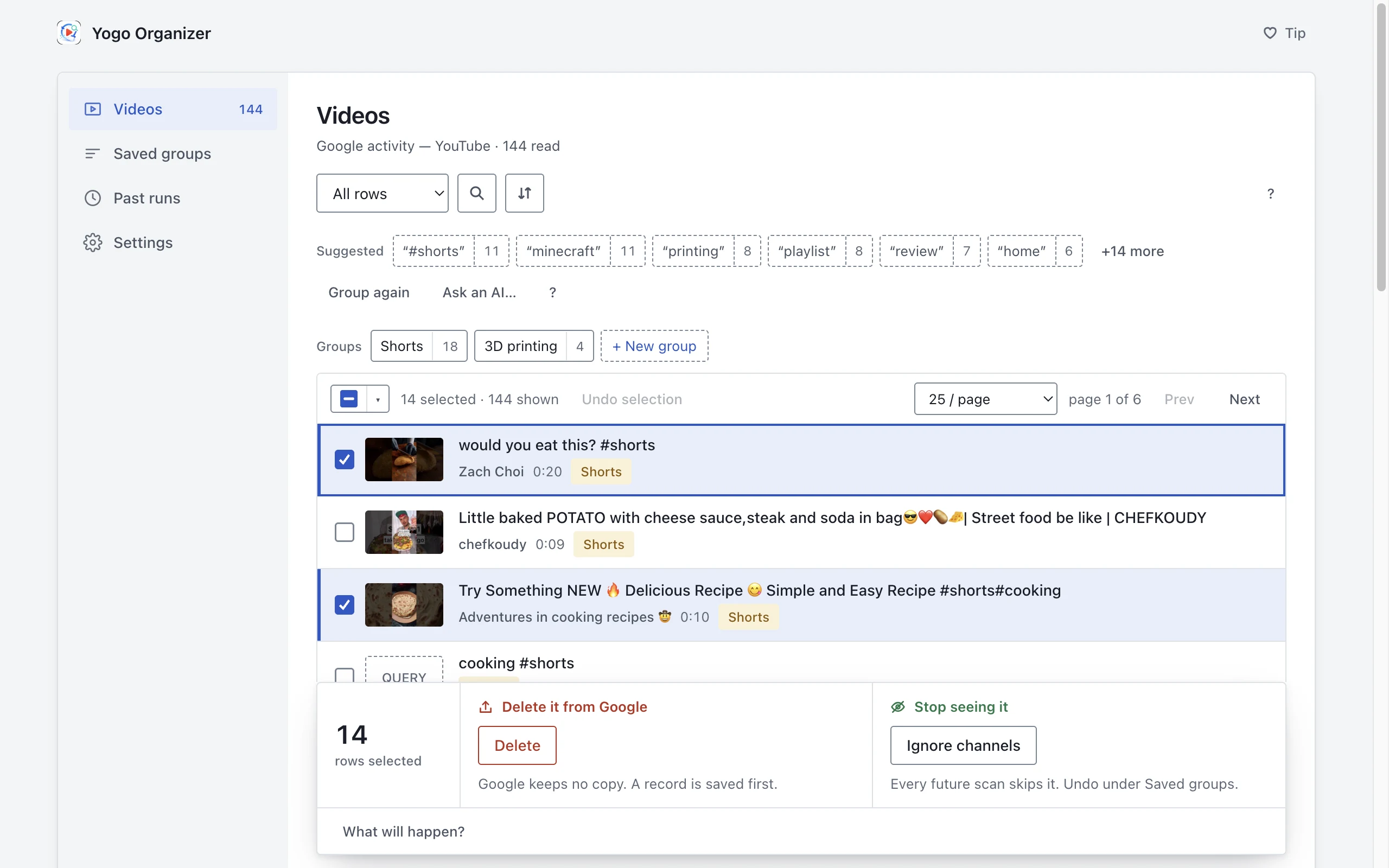
Load your playlists, Liked videos, Watch later and watch history into one place. Search, tag and sort them, then copy, move or remove videos across playlists in one go.
Free · Your library stays in your browser
 Yogo Organizer
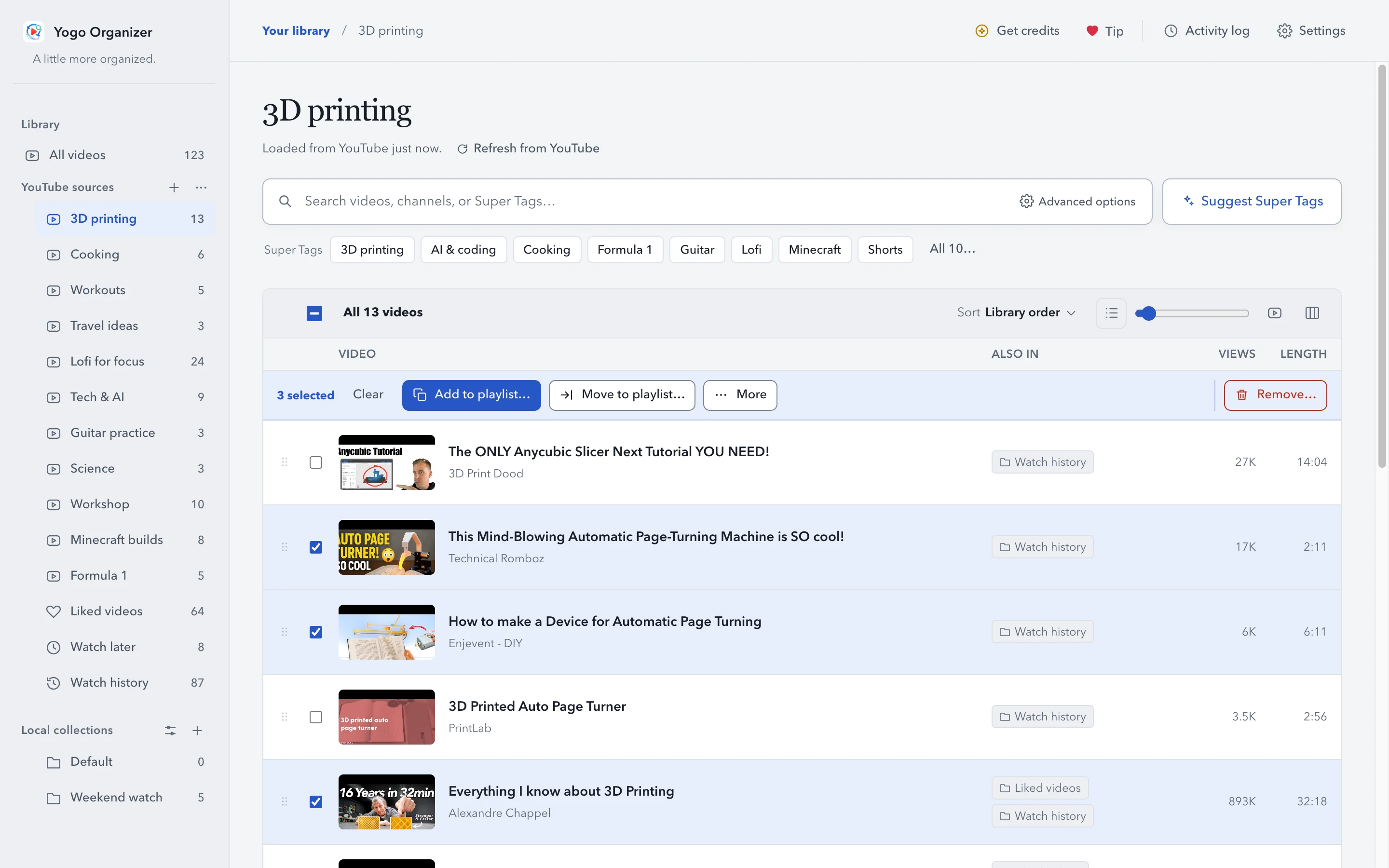
Pick videos. Put them where they belong.
Tick one video or fifty, then add them to a playlist, move them out of one, or remove them. Or drag them onto a playlist in the sidebar.
Every row shows where else the video already is, so nothing gets filed twice.
 Yogo Organizer
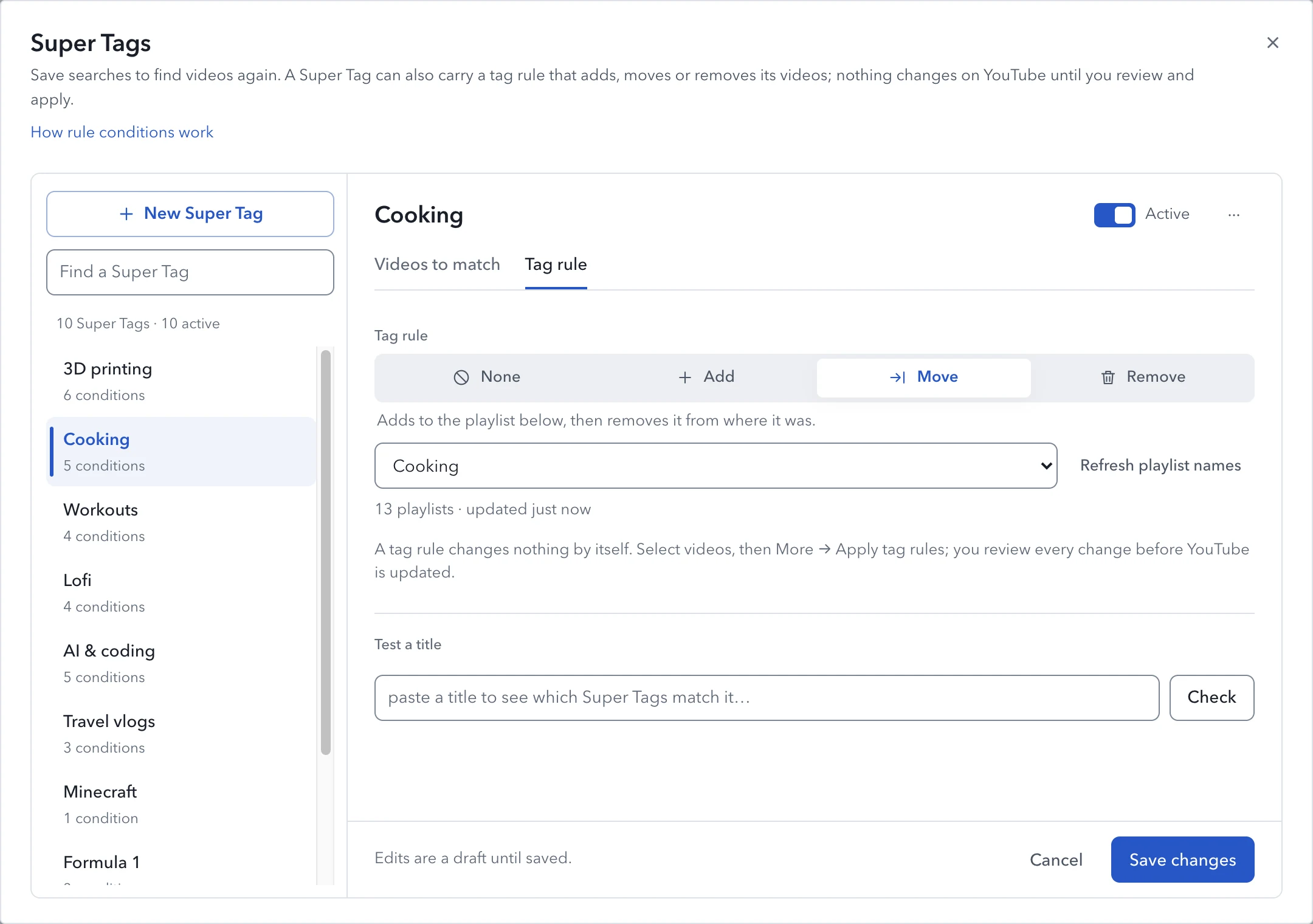
Find them again with Super Tags
Save keywords and channels as a Super Tag, and every matching video is one click away. Give a tag a rule, like "move these to Cooking", and it sorts the matches for you.
A tag rule never acts on its own. It proposes changes, and you review them.
 Yogo Organizer
Nothing changes on YouTube until you apply
Every add, move and removal waits in one list. Check it, drop what you don't want, then apply. A move adds first and removes only once the add is confirmed.
 Yogo Organizer
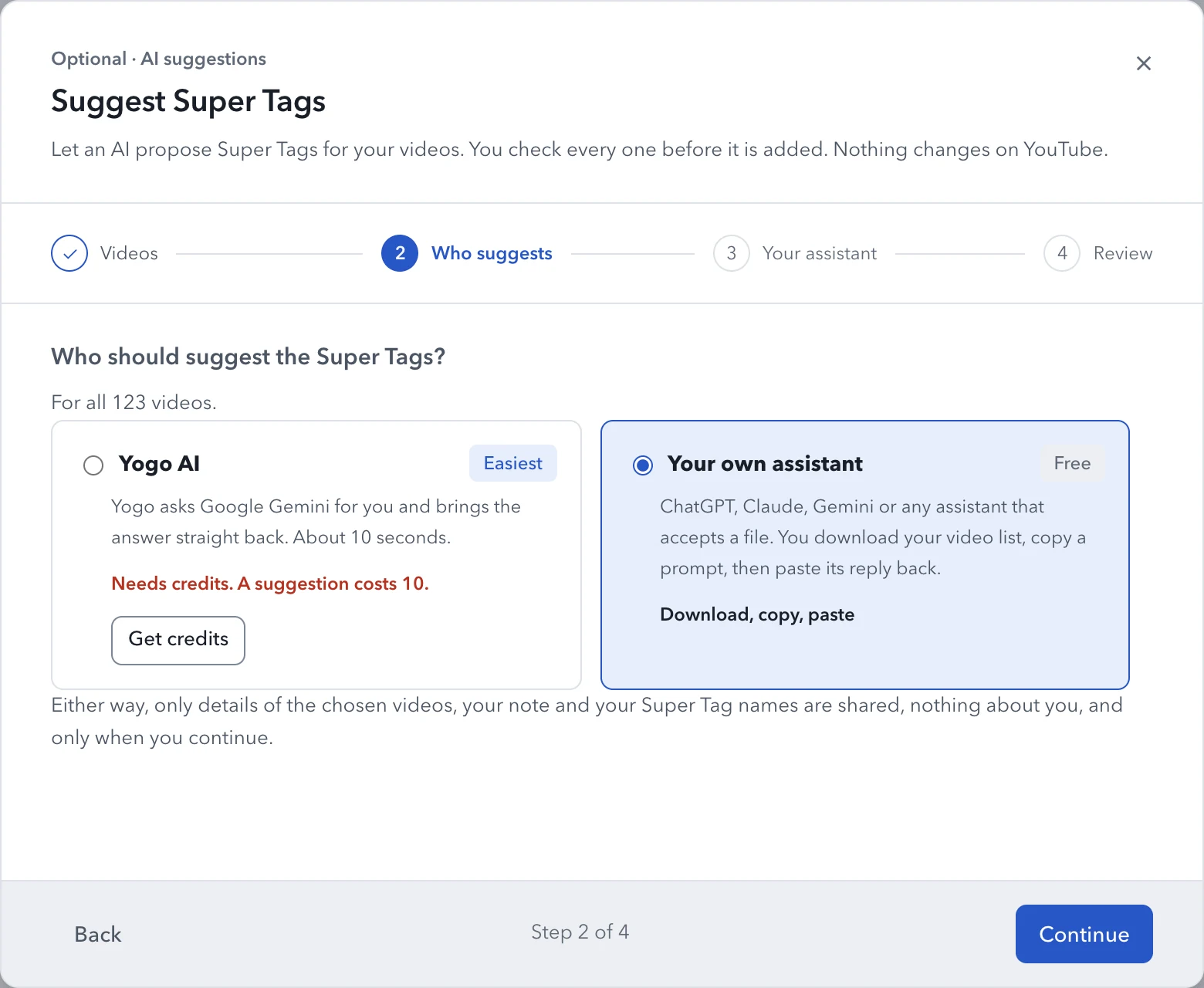
Let AI suggest your Super Tags
Yogo AI proposes tags for the videos you choose, and you keep the ones you like. Or use your own ChatGPT, Claude or Gemini, for free.
Only the titles and channels of the videos you chose are shared, and only when you continue.
How it works
1. Load your library. Open the extension's popup and choose what to load: every playlist, Liked videos, Watch later or your watch history. Yogo reads them in a YouTube tab, as you would scroll through them yourself.
2. Find and select. Search titles and channels, filter by length or views, or open a Super Tag. Rest the pointer on a thumbnail to preview the video.
3. Review and apply. Your changes wait in one list. When it looks right, press Apply and Yogo clicks the same YouTube buttons you would, with the YouTube tab in front.
Free, with optional credits
Everything in Yogo Organizer is free. Each Apply changes up to 100 videos; the rest stay ticked for the next one.
Any credit pack (€5 for 500 credits, or €10 for 1,200) removes that limit for good. Credits also pay for Yogo AI suggestions, at 10 credits each, or 20 for more than 500 videos. There is no account and no subscription. You get a key by email and paste it into Settings.
Your library stays in your browser
Videos, Super Tags, collections and pending changes are stored on your computer, never on a server. Previews play from YouTube only when one starts. Yogo AI, if you use it, receives the titles and channels of the videos you chose, nothing about you.
The privacy policy lists what is read, where it goes and how long it is kept.